
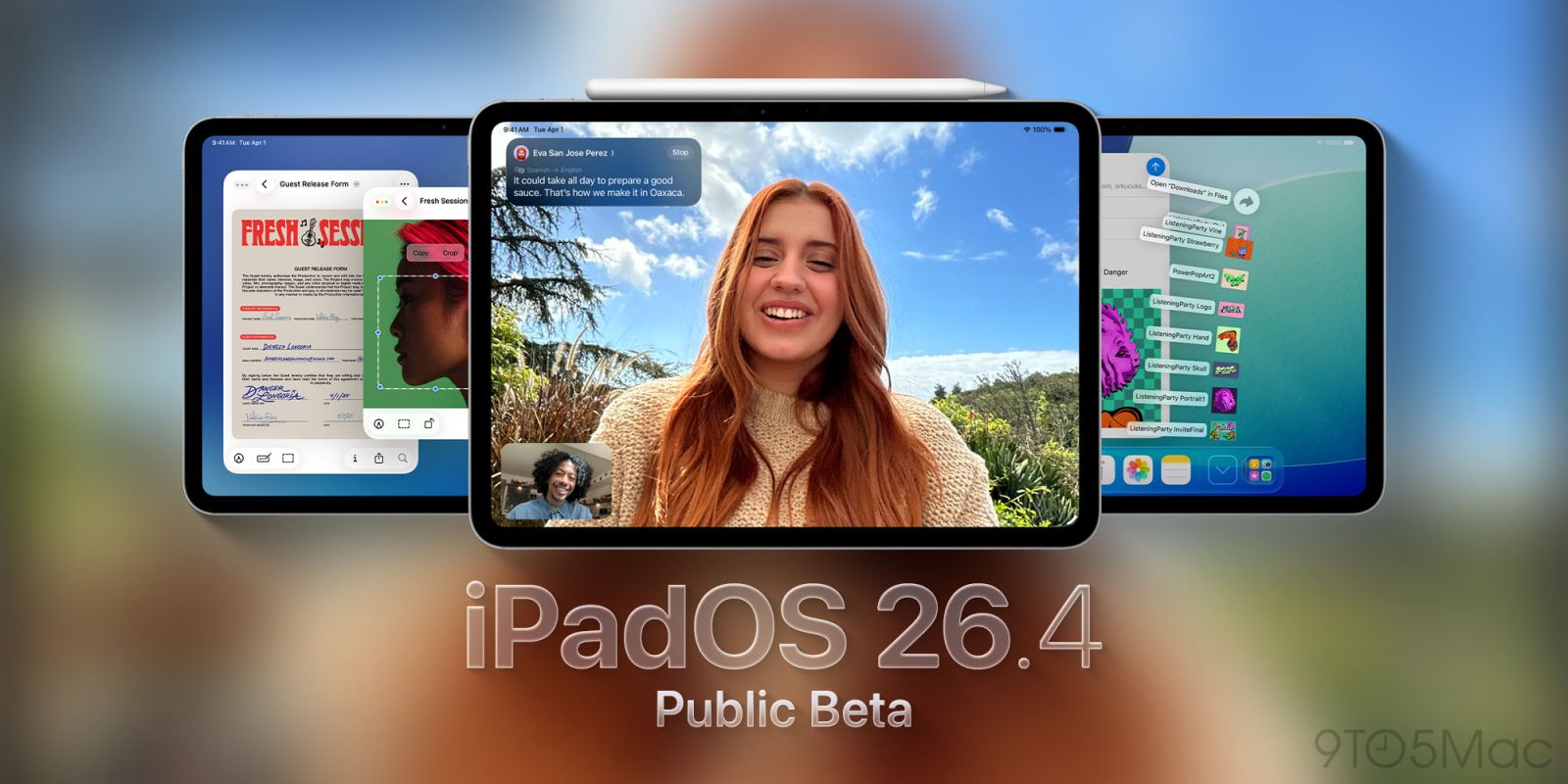
The public beta for iPadOS 26.4 is now available for all iPad users. Here’s how to install it and an overview of every new feature.
How to install iPadOS 26.4 public beta
Apple offers a public beta program across its devices for anyone who wants to participate.
You can sign up at beta.apple.com to enroll your device, then install the latest update inside your iPad’s Settings app.
The benefit of the public beta program is that you get advanced access to upcoming software features. The downside is that pre-release updates tend to have more bugs and performance issues.
Here’s what’s new with iPadOS 26.4 so far.
iPadOS 26.4: All of the new features so far
Following a fairly minor release last week with iPadOS 26.3, Apple has packed a lot more new features into the first iPadOS 26.4 beta.
Here’s an overview of new features so far:
- Safari now lets you use a compact tab bar again
- Apple Music has a new fullscreen design for albums and playlists, Playlist Playground feature, and you can add songs to multiple playlists at once
- Apple Podcasts is getting upgraded video features
- The wallpaper gallery has been revamped
- Reminders adds an ‘Urgent’ smart list
- A new Ambient Music widget is available
- Freeform lays the groundwork for new Creator Studio features
Since this is only public beta 1, it’s likely iPadOS 26.4 will add more new features in the weeks ahead.
Have you installed the iPadOS 26.4 beta, and if so, is there anything new you’ve discovered? Let us know in the comments.
Best iPad accessories
- AirPods Pro 3 (now only $209, down from $249)
- 100W USB-C power adapter for fast charging
- tomtoc Tablet sleeve bag for protection and style
- Baseus 10ft USB-C cable for extended reach
- Apple Pencil Pro (now only $95, down from $129)


FTC: We use income earning auto affiliate links. More.



Comments